Key Accomplishments
Key Accomplishments In CSSE 1
Sprint 1
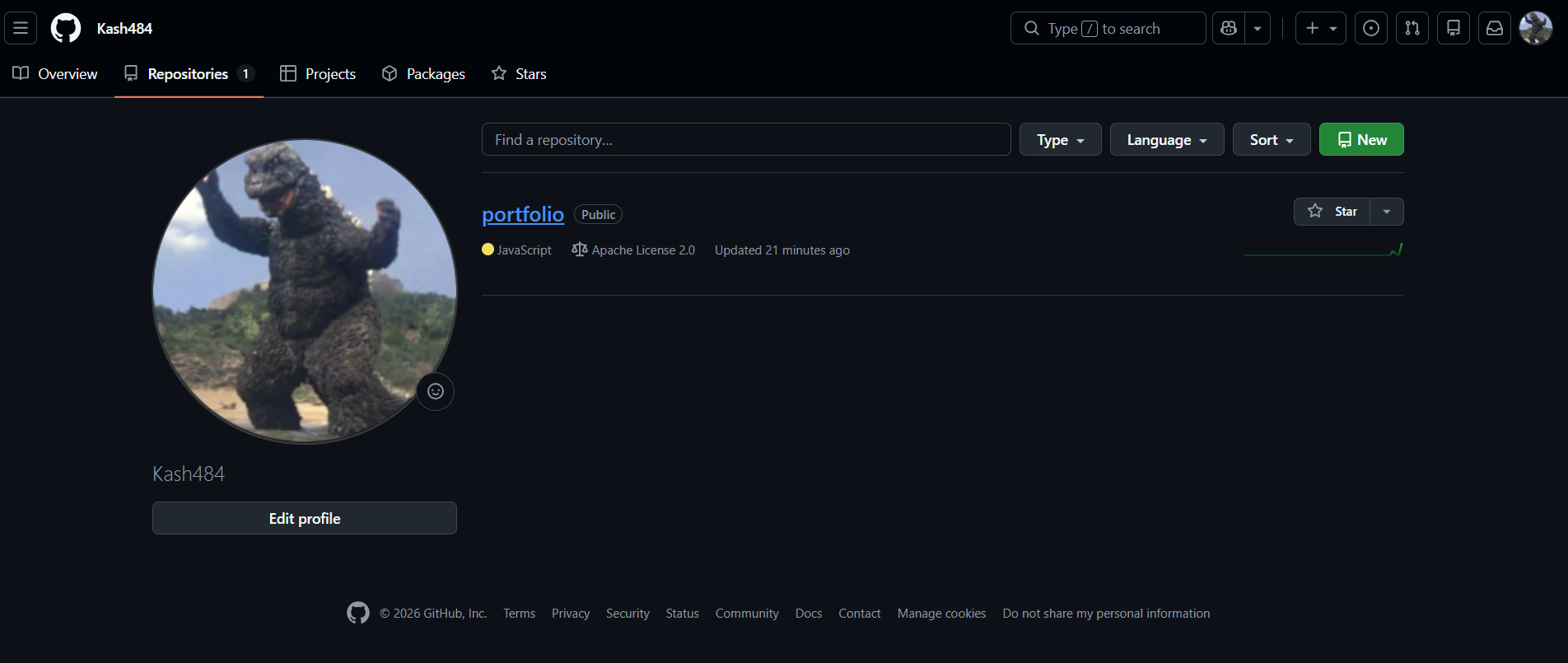
On sprint 1 of CSSE, I learned how put VSCode, GitHub, GitHub Pages, and Make to use. For example, VSCode is the main area for the code, make is the way to check how it works, github holds it all, and github pages is the holder within Github of the main needs. I joined/cloned a team GitHub Pages website and also created my own portfolio site to display the accomplishments I’m telling of right now. Along with everything else, I also learned the importance of documenting everything by writing blog posts/GitHub issues about the info I obtained and the struggles I solved. Setting up a repository in VSCode was especially important because I now use it every time I make edits.
This image shows me creating a student repository for this class.
Sprint 2
Working in Jupyter Notebooks with my team was a great experience. It taught me how to collaborate better on projects, which was really helpful later on when we built our game for Night at the Museum.
Coding Basics I Learned
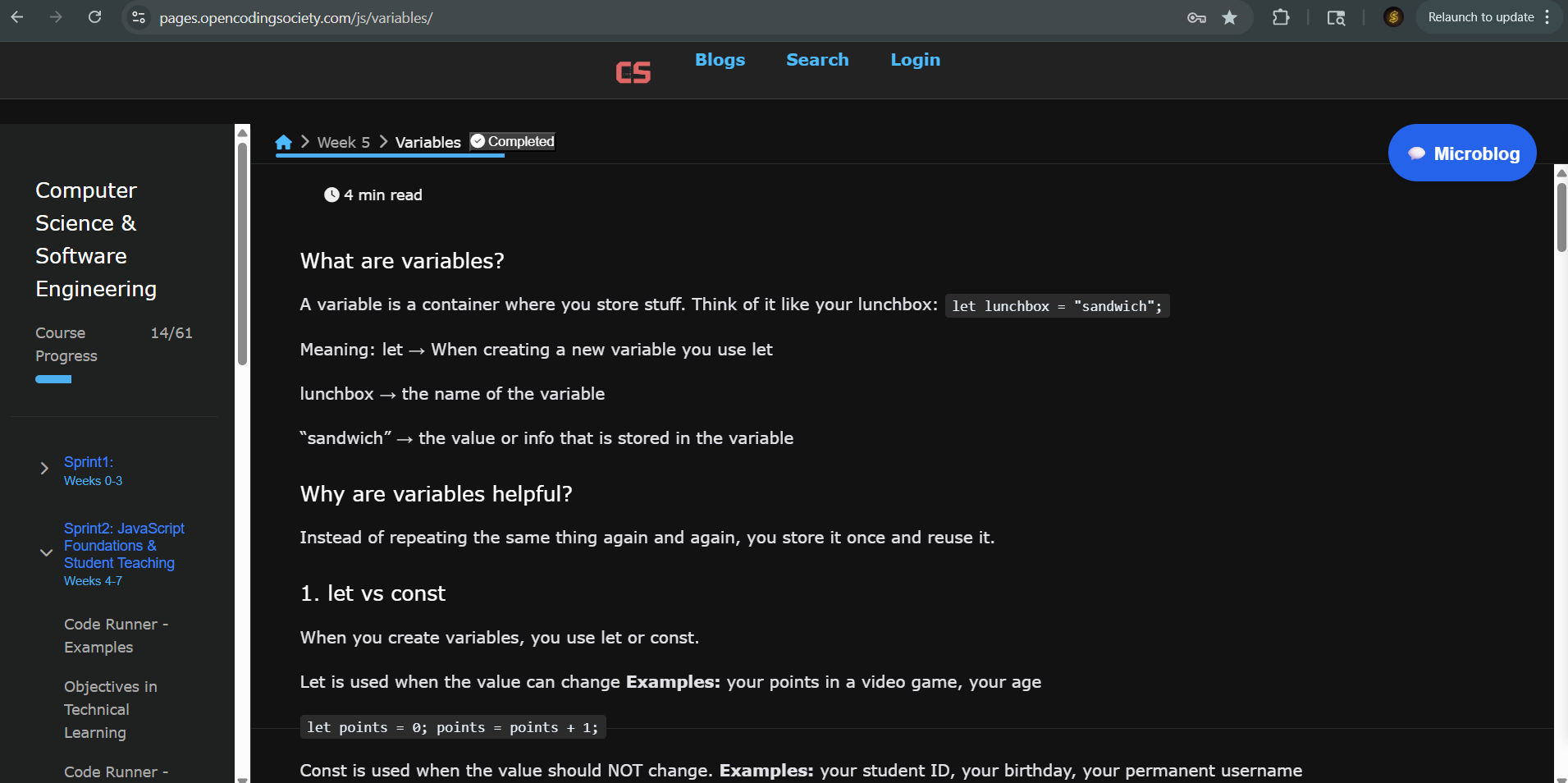
- Variables: These are like containers or boxes that hold information so you can use it later.
- Functions: These are like little machines that do a specific job. You give them parameters, and they give you a result.
- Conditionals:
ifandelsestatements that let the program make decisions. - Booleans: Simple “true” or “false” values used in comparisons.
- Nested Conditionals: Putting an
ifstatement inside another one for specific rules. - Iterations: Loops like
forandwhileto repeat code. (My team taught this lesson!) - Arrays: Lists that store many items in one variable using an index.
- Strings: Used for text. You can join words or change how they look.
- Mathematical Expressions: Using operators like
+,-, and%(modulo) for math. - JSON and JavaScript Objects: Storing data in key-value pairs.
- Classes and Methods: A class is a blueprint, and methods are the actions the object can do.
- HTML DOM: How JavaScript talks to your website by turning it into a tree of “nodes.”
- Data Abstraction: Organizing messy data to make code cleaner and easier to reuse.
Sprint 3
During this sprint, our entire class teamed up to build a murder mystery RPG using the Game Runner and GameEngine framework. Every group was responsible for a specific stage, and my team took on Level 5. As the lead coder, I wrote most of the primary scripts and acted as a technical resource to help my partners when they ran into bugs.
I gained a much better understanding of the game’s inner workings, specifically how to build the layout and use various buttons to control the flow. I used classes to define the background, the main character, NPCs, and the interactive objects in our scene. It was also great practice for seeing how a game loop functions—watching it constantly check for keyboard inputs, update player movement, and handle character interactions in real-time.
The image here displays the RPG game, which was a huge help in learning how to navigate and apply the GameRunner framework.
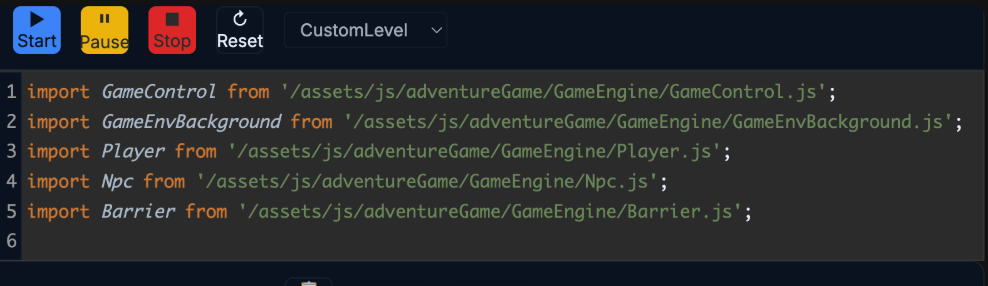
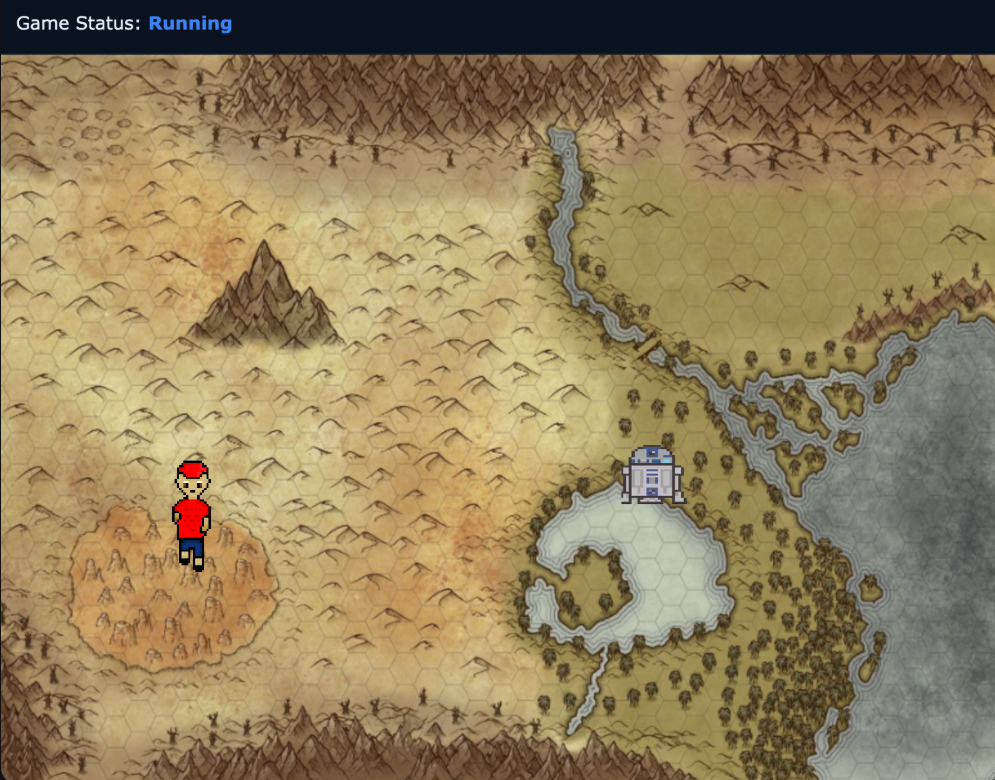
I spent a lot of time troubleshooting in the browser console to solve bugs, fix broken import/export links, and tweak details like how fast the player moves or where objects are placed. Looking back, this project really boosted my knowledge of game mechanics. It also gave me a chance to grow as a leader and a teammate while we worked together to finish our section of the murder mystery game.
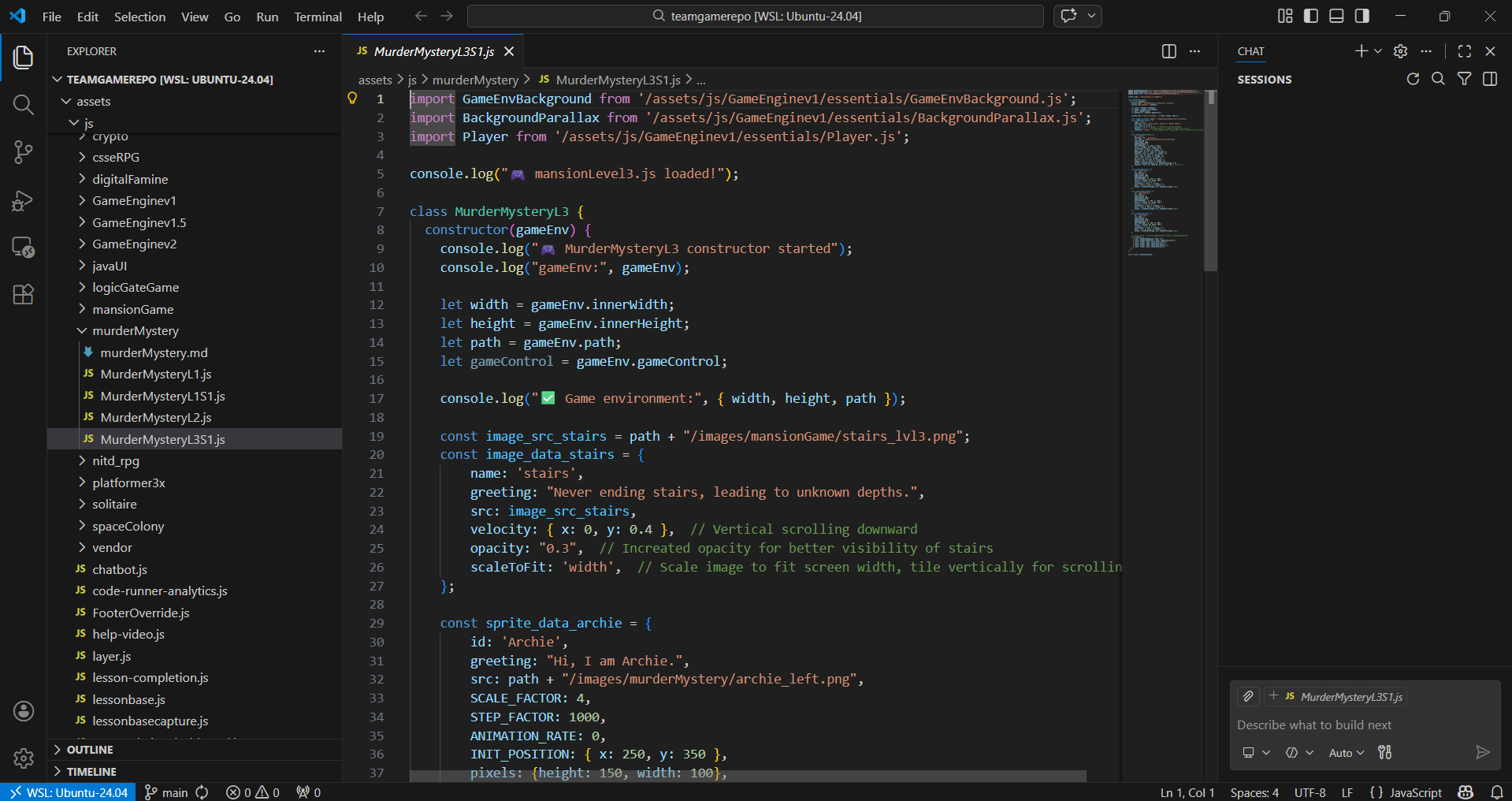
In the images below, you can see the custom character designs we made for the mystery, along with a look at the actual code my group wrote to build our level.